How can I enable or disable AutoPay?

There are a couple different ways of enabling or disabling AutoPay on your account. The quickest and most efficient is to go to your billing tab and hover your mouse over the payment method listed in the right column. From there you should see an option to enable/disable the AutoPay method.
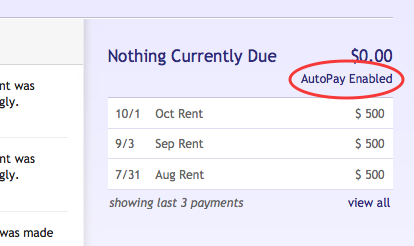
Once you've enabled AutoPay you're account will say "AutoPay Enabled". If your account doesn't say this, it's not setup properly for AutoPay. You should start over and try again.
Please sign in to leave a comment.
Comments
0 comments